
Don’t Type It, Say It!
If you’ve ever struggled to type a long message on your phone, you’re not alone. Those tiny keyboards can make even a short text feel like a chore.
Here’s a feature on your phone that many people overlook: you can simply speak instead of typing.
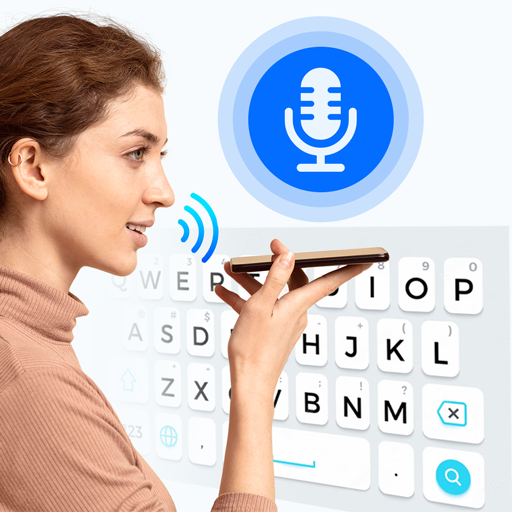
When you open a text message or email on your phone, look at the keyboard on the screen. On most phones you’ll see a small microphone icon somewhere near the space bar. Tap that microphone and start speaking. As you talk, your words will appear on the screen.
It works surprisingly well for everyday messages. Instead of slowly typing each letter, you can just say something like, “Hi Mary, are we still on for lunch tomorrow?” and watch the sentence appear.
Voice typing works on both iPhones and Android phones, and it can be used almost anywhere you would normally type — texts, emails, notes, and even online searches.
A few simple tips will help it work better:
- Speak clearly and at a normal pace
- Pause briefly between sentences.
- When you’re finished, tap the microphone again to stop recording.
You can also say simple punctuation such as “period” or “question mark.”
✨ Gadget Gal Tip: Always give your message a quick glance before sending. Voice typing is smart, but sometimes it still guesses a word wrong — and that can lead to some funny messages!
Once you get used to it, voice typing can make sending messages faster and much less frustrating. It’s one of those small smartphone tricks that can make using your phone feel a whole lot easier.

Author: Pam Overly
Digital and Media Manager for New Westsiders (NWS). I moved to Avon Lake from Overland Park, Kansas, in 2013 and joined NWS later that year. I’ve served on the board as Historian and President and have also chaired several interest groups.